voice · budget · mini-wrapped

Say it — see where
the money goes.

An AI-powered expense tracker. Tell it about a purchase by voice or text — AI parses the amount, currency, and category. No spreadsheets, no receipts, no nagging.

★★★★★ App Store · iOS 16+ 7 days free 5 currencies
1 phrase→ N transactions
5 currencies₸ ₽ $ € ฿
0 formsno spreadsheets
iOS 16+Apple Family Sharing
Kazakhstanmade locally

// what's inside

Three simple things.
Nothing more.

Dengii isn't "personal finance 2026". It's voice, AI parsing, and an optional budget. No goals, savings, or investments. Simpler is better.

01 · input

Voice or text

"Coffee 5.50", "uber 12", "groceries 80 dollars". AI parses on the fly: amount, currency, category. List multiple items in one phrase.

🎙️ voice ⌨️ text 📝 «lunch 18» 🚕 «uber 12» 🛒 «groceries 80»
02 · structure

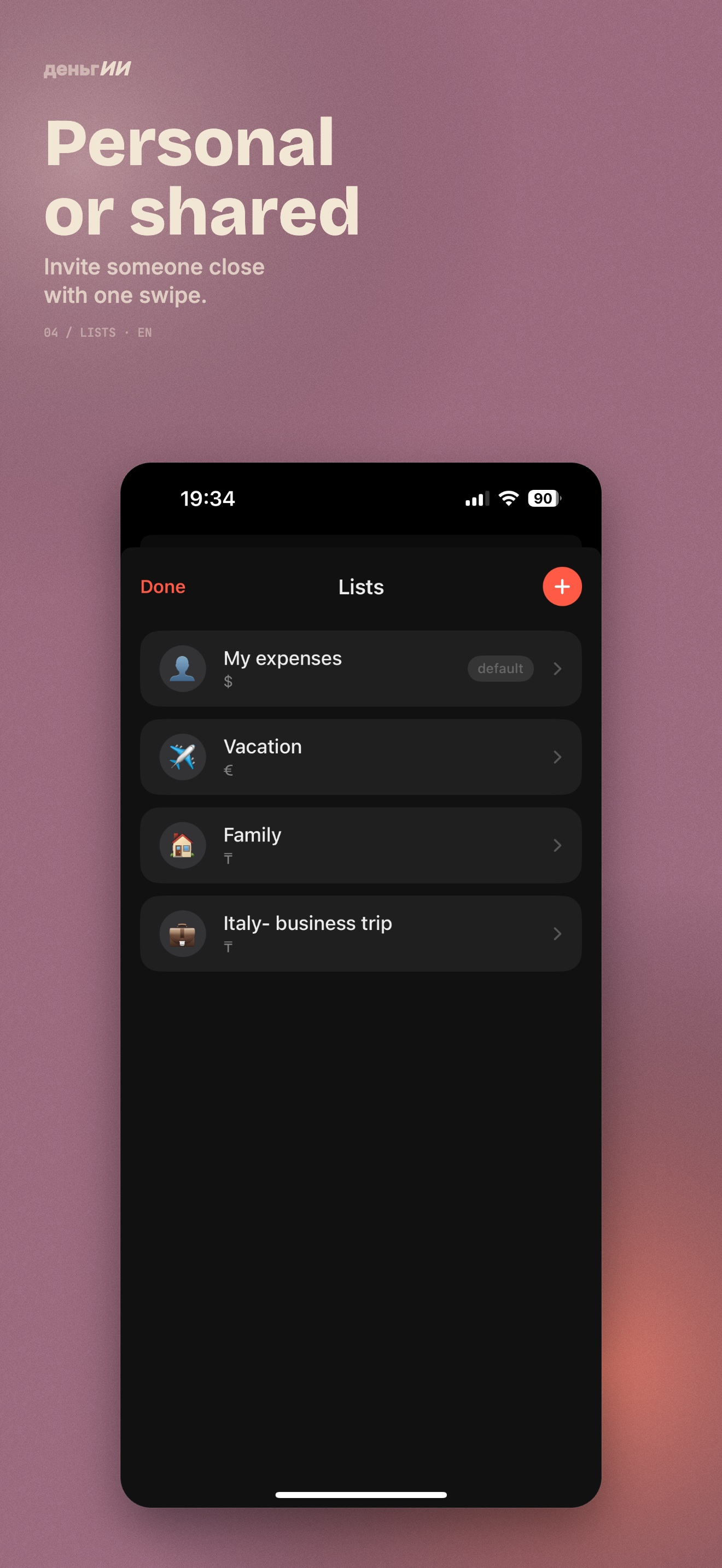
One list or many

Private "Personal" list by default. Optionally — a shared list with a partner or roommate. Sharing is optional, never forced.

Personal private
With Mary 2 members
Apartment 2 members
03 · control

Budget — optional

Without a budget you just see where the money goes. With one — Runway: how much is left today and until the end of the period. No red fonts, no guilt.

MAY · budget$1 000
remaining≈ $41/day
⚡️

Widget, Back Tap & Siri

Log expenses with one tap — from the lock-screen widget, a back tap, or a Siri command

// how it works

Three steps. No forms.

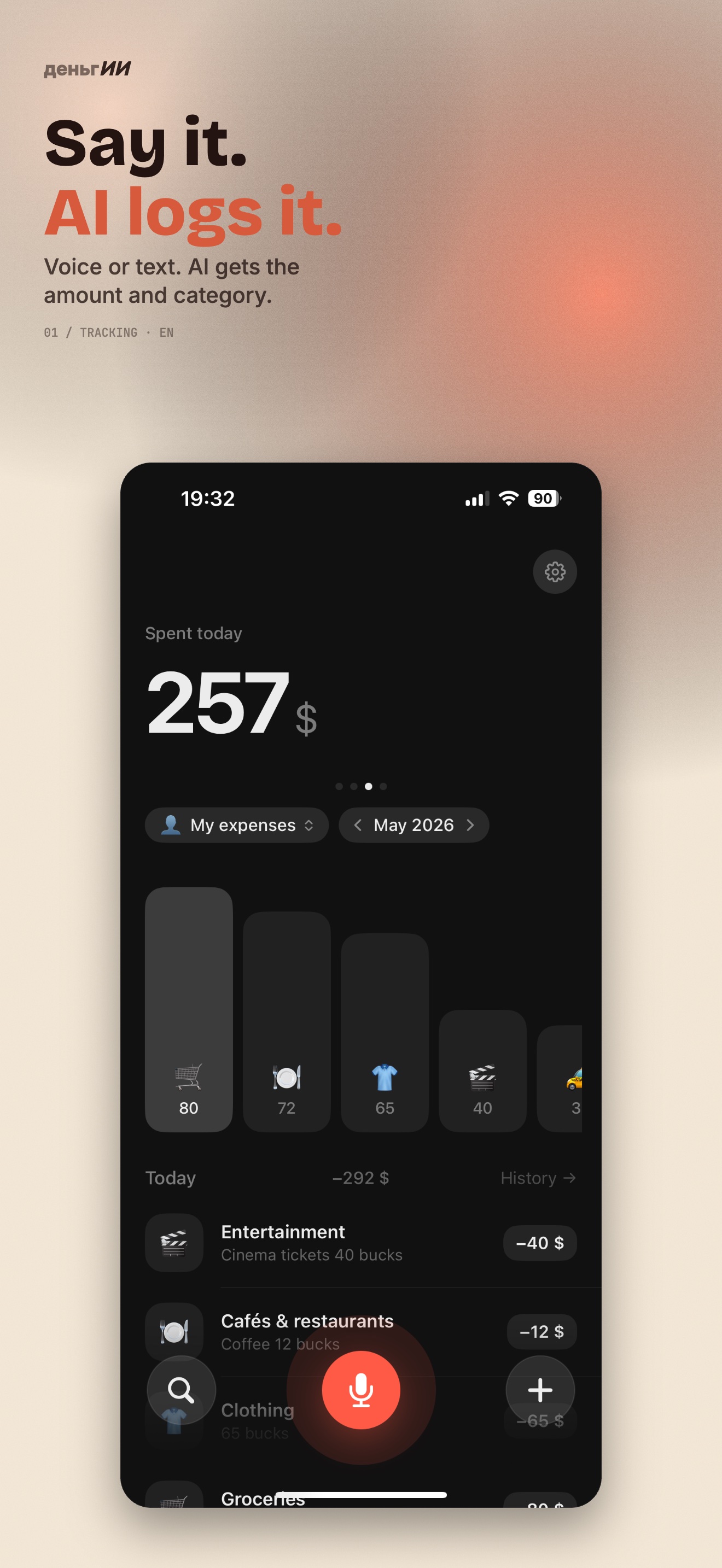
From phrase to record — two seconds. AI splits text or voice into individual expenses and picks the category.

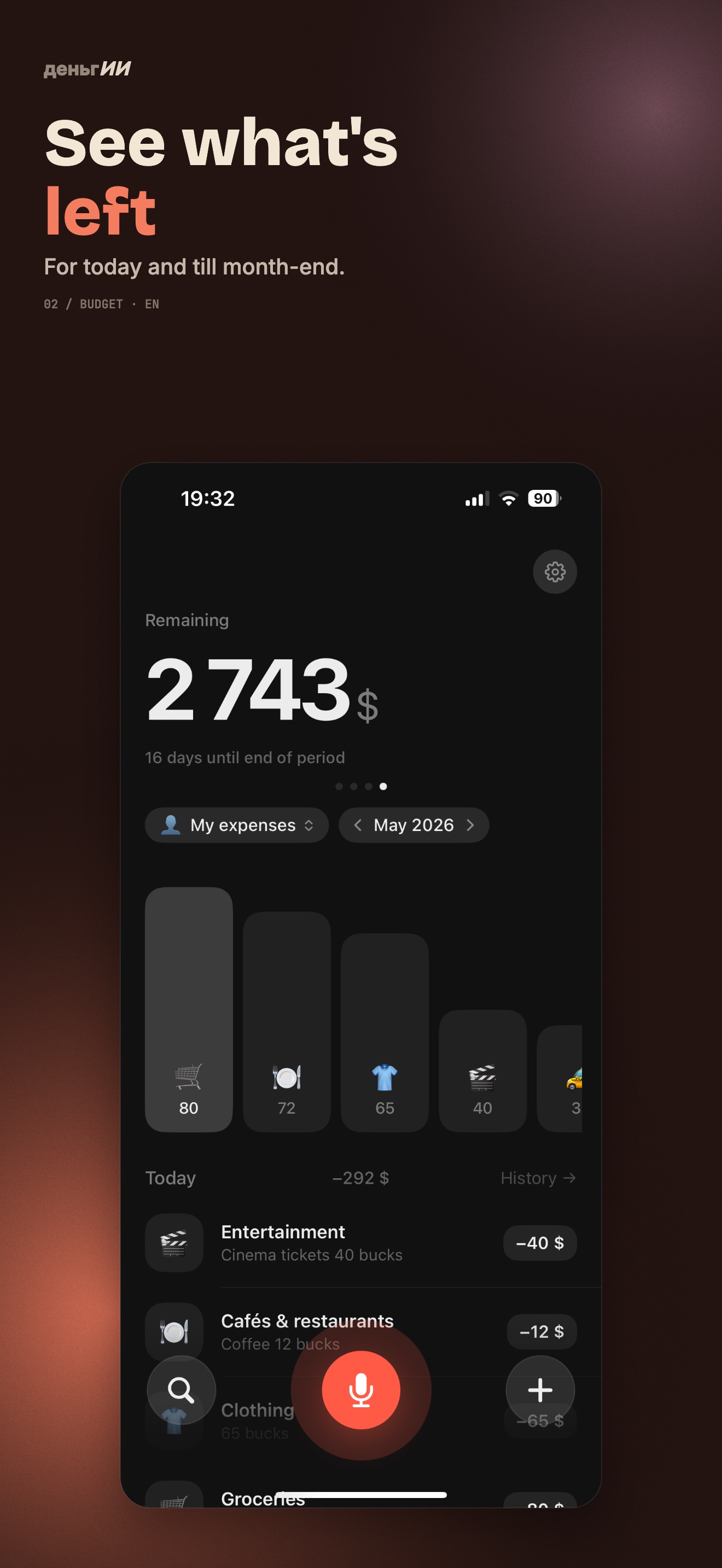
Main screen — spending this period
step 01

Tell it about a purchase

"Coffee 5.50" or "groceries 80". List multiple items in one phrase — AI will split them automatically.

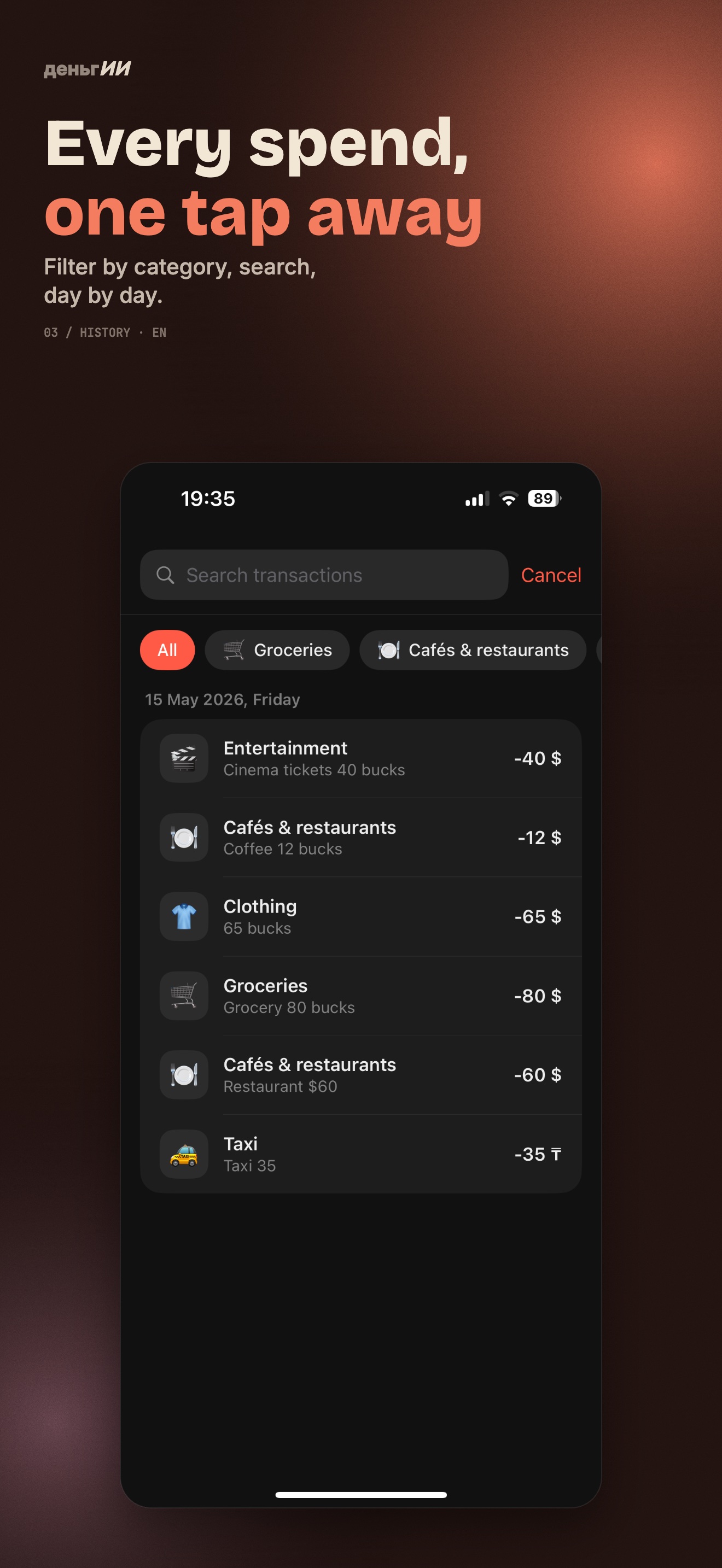
Transaction history
step 02

AI recognises it

Amount, currency, category, emoji. If something's off — fix it in one tap.

Budget and Runway
step 03

See where it goes

Metric slider, history, weekly digest on Sundays, Mini-Wrapped at month end. No lectures.

// end of month

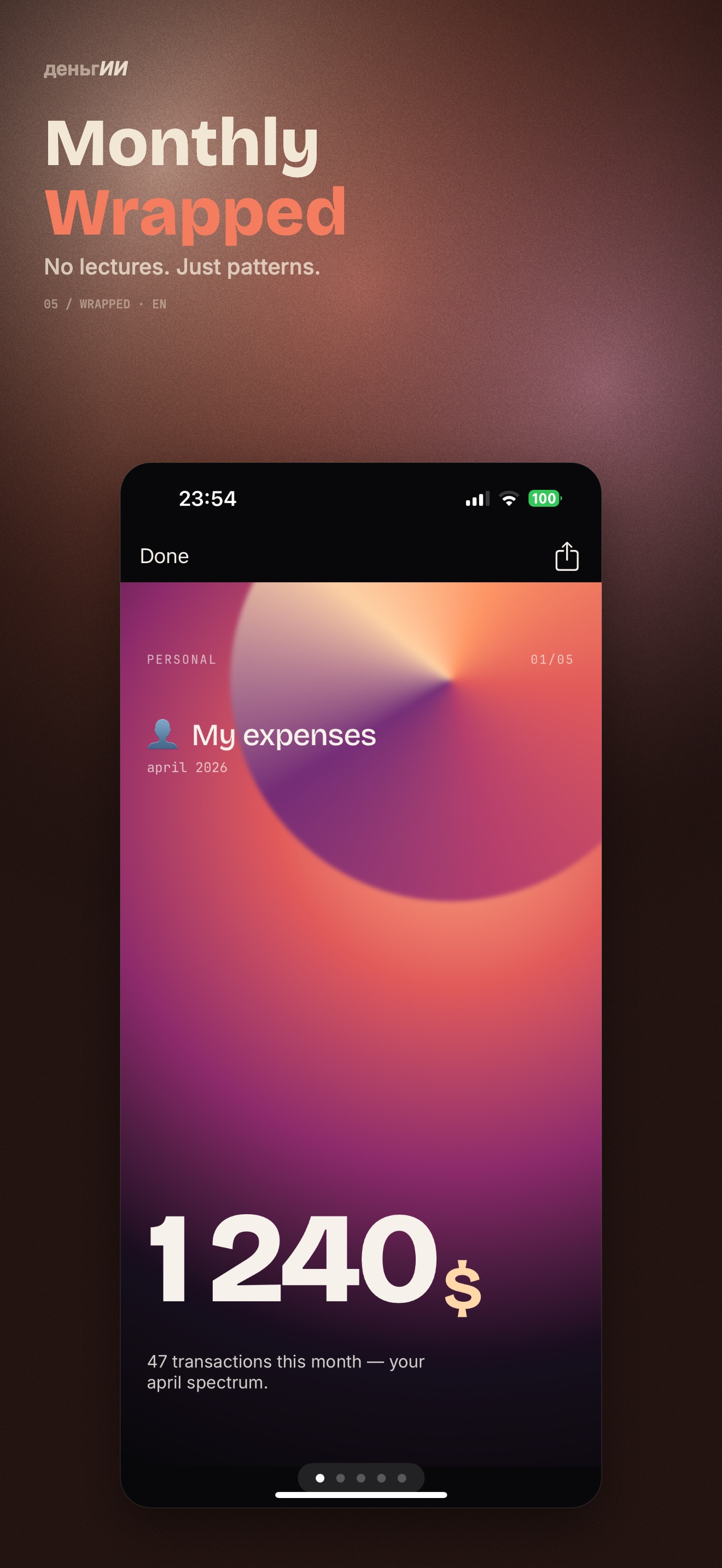
Mini-Wrapped
instead of lectures.

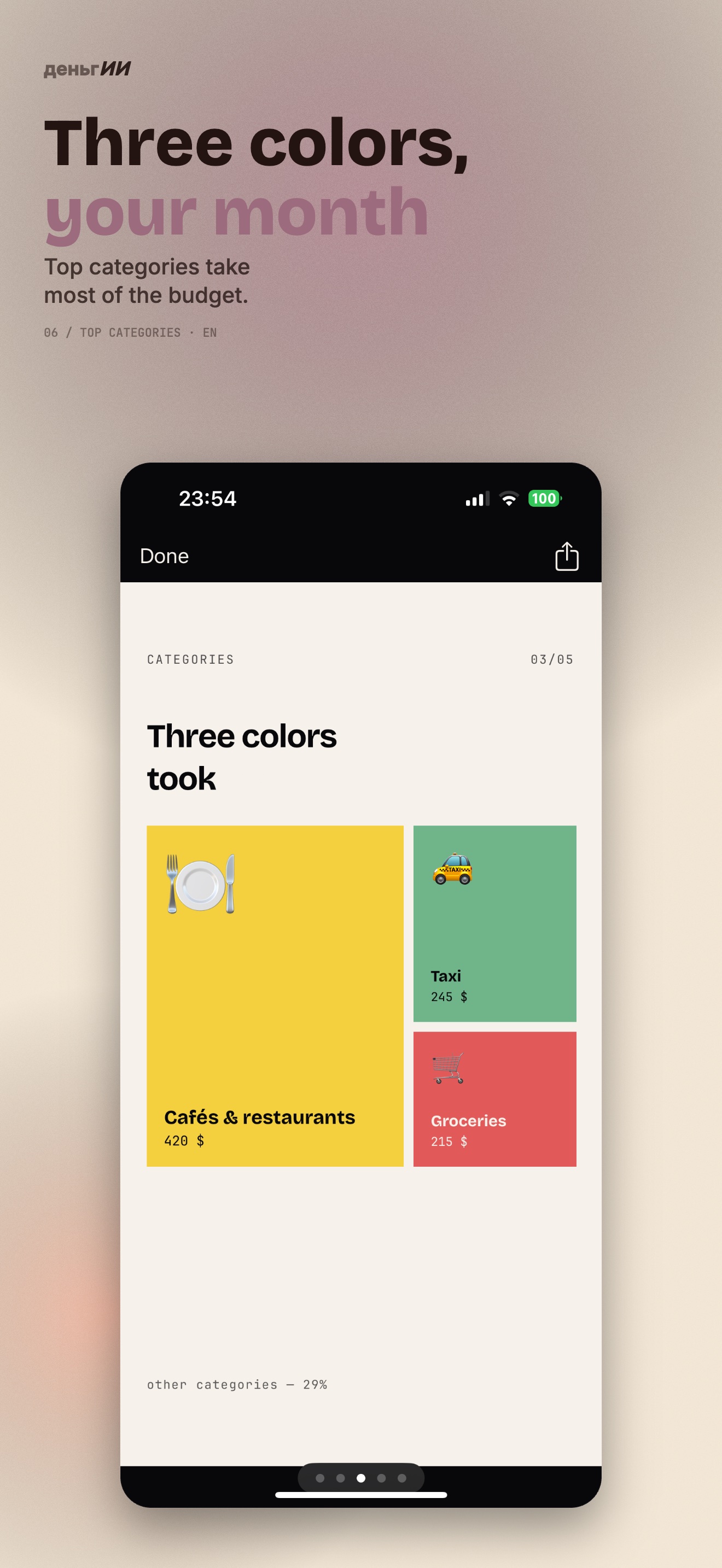
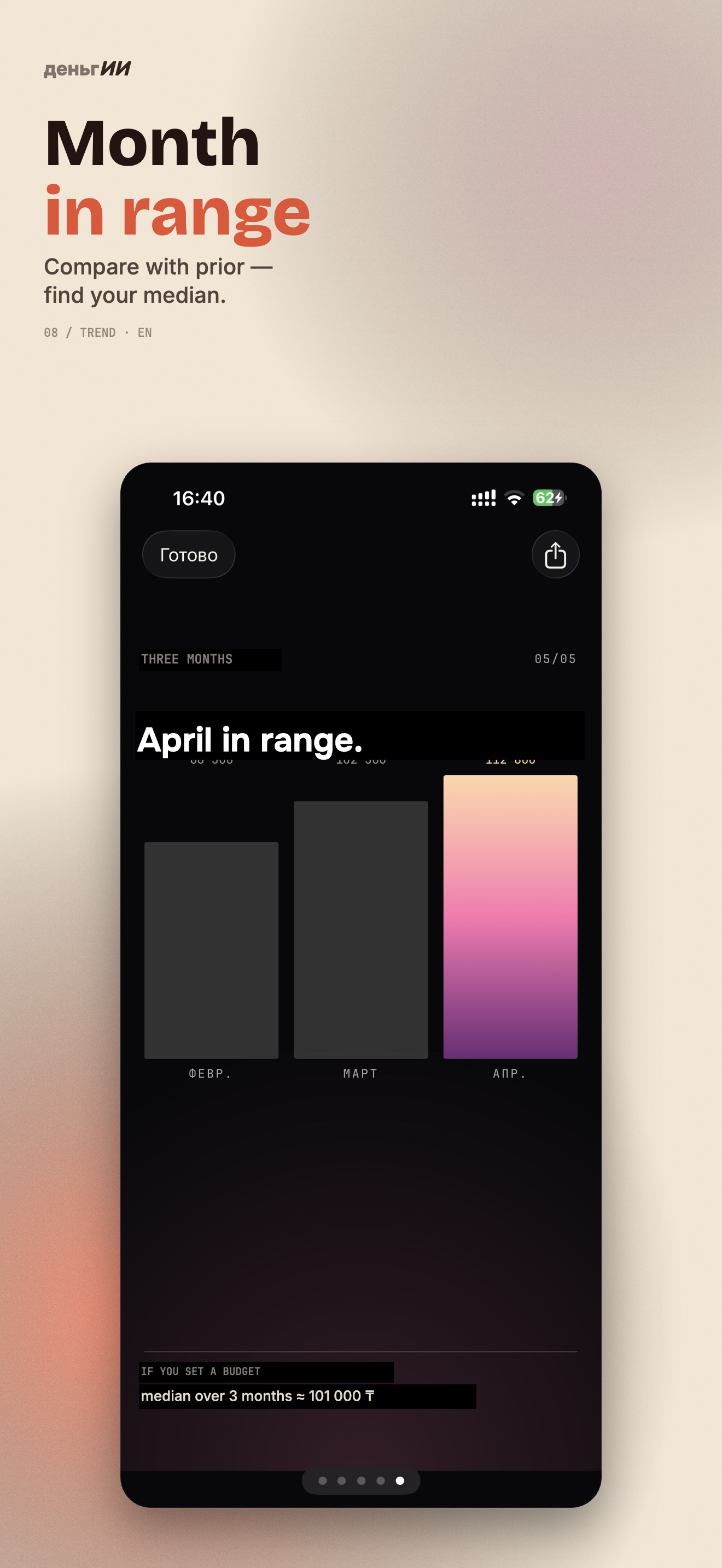
Once a month — a short story about your spending. Top-3 categories, weekly pattern, period trend. AI observes, never lectures.

// AI

AI observes.
Doesn't lecture.

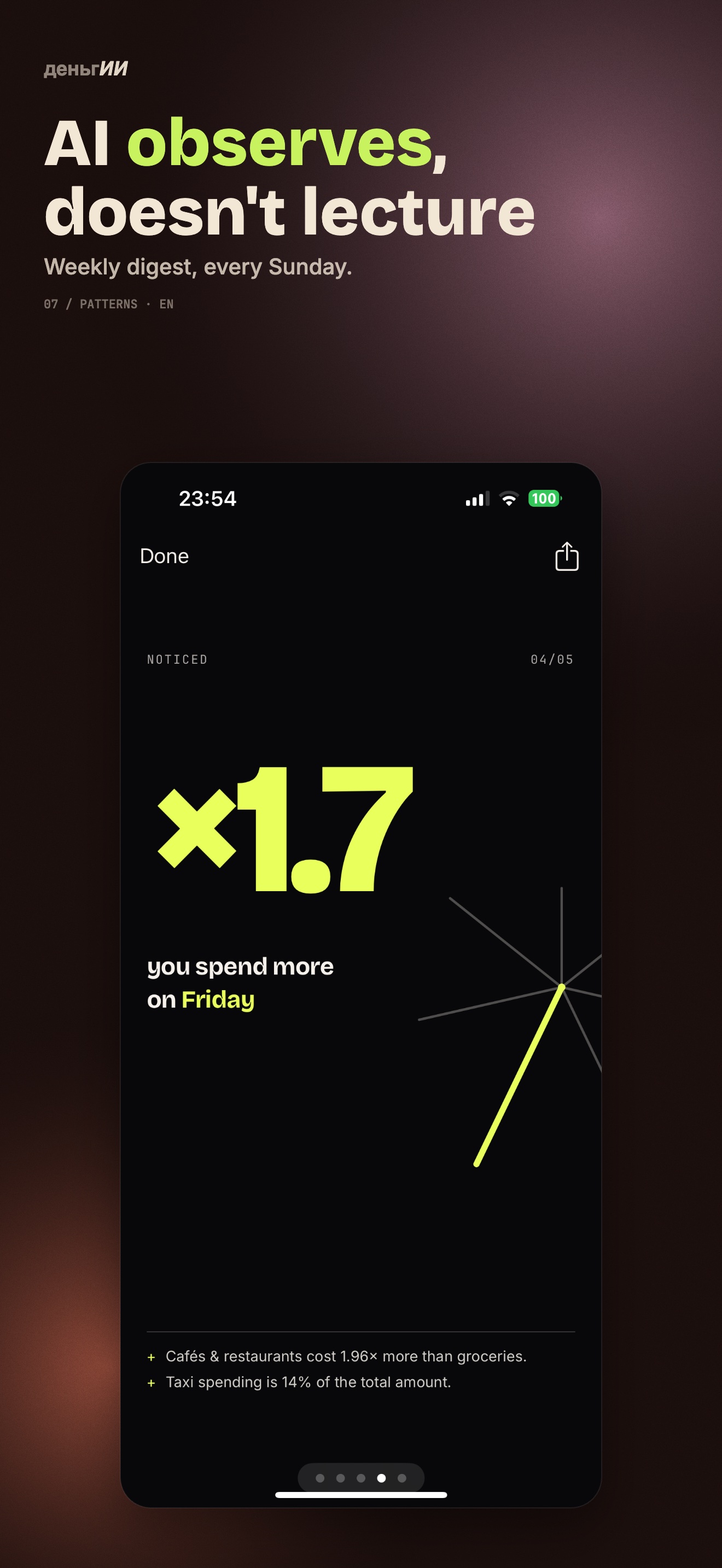
No "you're spending too much on coffee". Just facts, patterns, and context — exactly enough to make your own decision.

  • Weekly digest on Sundays — what changed this week.
  • Mini-Wrapped at month end — top categories and trend.
  • Patterns without judgement — "you spend 30% more on Wednesdays".
  • Private — data is processed only with your consent.
Multiple lists
Period trend

// frequently asked

What people ask before downloading

Still unclear? Drop a line at support@dengii.app.

01What is Dengii and how is it different from other expense trackers?

Dengii is an AI expense tracker where you describe purchases by voice or text instead of filling forms. AI parses the amount, currency, and category automatically — even when you list several expenses in one phrase.

Unlike Mint, YNAB or MonAi, Dengii has no bank integrations (by design — privacy first) and no moralizing advice. AI observes, doesn't lecture: it shows patterns and trends, not «you spent too much on coffee».

02Which currencies does the app support?

US dollars (\$), euros (€), Russian rubles (₽), Kazakhstani tenge (₸), and Thai baht (฿). Currency is picked per list — you can have a private list in USD and a shared «Vacation» list in EUR.

AI understands natural phrasing: «groceries 25», «taxi 12 dollars», «lunch 18» — no special formatting required.

03Can I share a list with my partner or roommate?

Yes. Create an additional list, tap «Share list» — the native iOS share sheet opens. Send the link via Messages, WhatsApp, or Mail. The list appears in their app.

One shared list, two participants. Sharing is optional: your main «Personal» list stays private.

04Is there an Android version?

Not yet. Version 1.0 is iOS 16+ only. Android is planned after the iOS launch and feedback from the first wave of users.

05How much is the Dengii subscription?

\$4.99 / month or \$29.99 / year with auto-renewal. Pricing shown in the local App Store currency. 7 days free — cancel in one tap from Apple ID settings, you won't be charged.

Apple Family Sharing supported — one subscription covers up to 6 family members.

06Is my financial data safe?

Data stays in your personal iCloud, never on our servers. End-to-end encrypted by Apple. We don't have access to your transactions, lists, or budgets.

AI parsing runs through a secure channel: the phrase «groceries 25» is sent anonymously, with no identity attached. You can turn off AI processing any time — Settings → AI processing. More in the privacy policy.

07Does the app work offline?

History, budget, charts — all work offline. AI voice and text parsing needs an internet connection (the phrase is sent for processing). Without internet, you can still enter expenses manually via the form.

08What's the fastest way to add an expense?

Use Back Tap — double-tap the back of your iPhone. Set up once: iPhone Settings → Accessibility → Touch → Back Tap → Double Tap → «Record expense». Works even on the lock screen.

Also: home-screen widget, Siri shortcut, Spotlight search, Shortcuts app. Full guide on the Quick input page.

More questions in the support centre.

// 7 days free

Say it — and see.

$3.99/month or $29.99/year after a 7-day free trial. Apple Family Sharing supported.

DOWNLOAD ON THE App Store
iOS 16+ · ₸ ₽ $ € ฿ · Made in Kazakhstan